ClikSwitchWorkspace Continuity
ClikSwitch keeps digital work connected across tools, tasks, projects, and work modes, so context travels with the user instead of getting lost between shifts in focus.
What Is ClikSwitch?
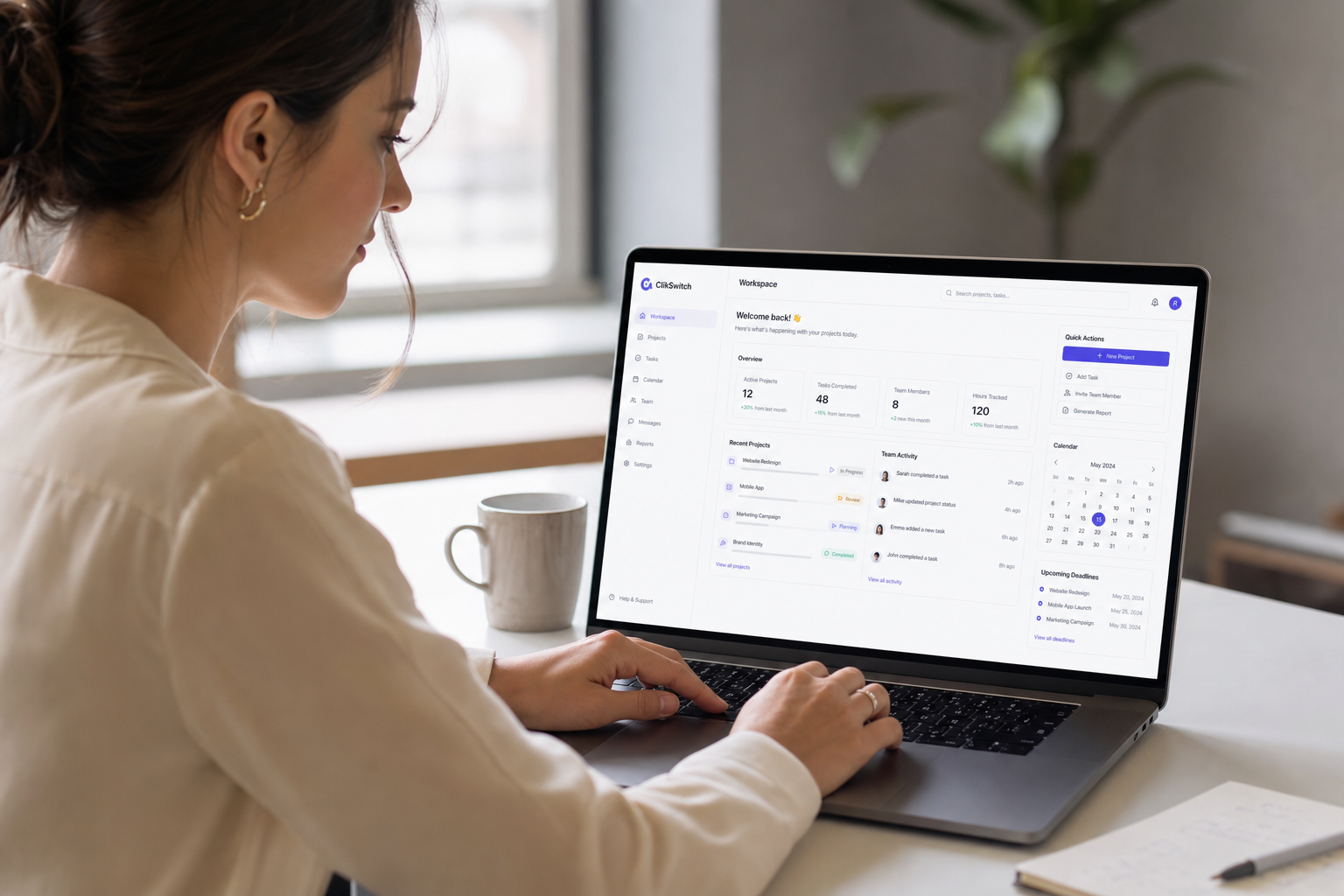
ClikSwitch is a workspace continuity product designed to keep tools, context, task state, and work-mode setup connected as users move through digital work.
Instead of rebuilding your desk every time focus shifts, ClikSwitch preserves the full environment so work resumes instead of restarting.
How ClikSwitch Works
A continuity layer for digital work: pick a mode, keep context, switch without resetting.
Choose Your Work Mode
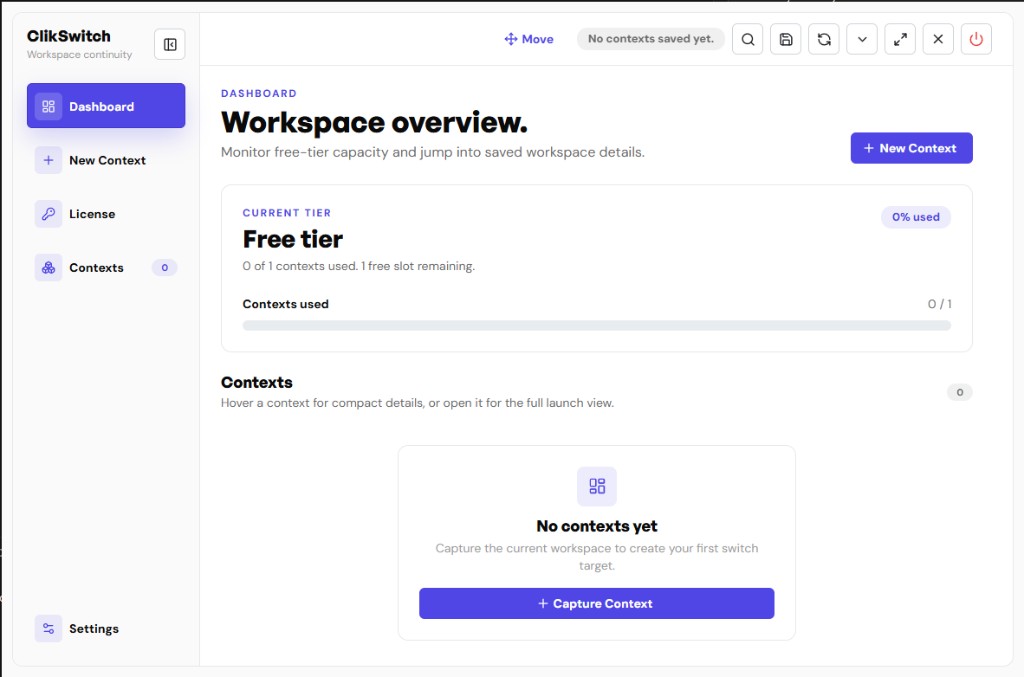
Users pick planning, execution, communication, reporting, or another mode. ClikSwitch prepares the workspace around the task, not the other way around.
Context Stays Attached
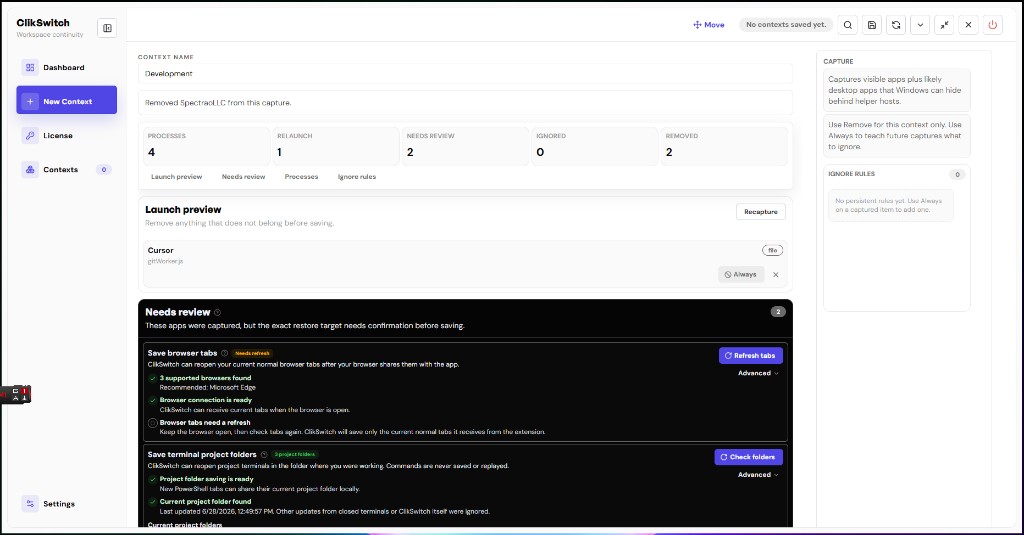
Tools, tabs, dashboards, references, and task state stay connected to the mode so nothing important drops when focus shifts.
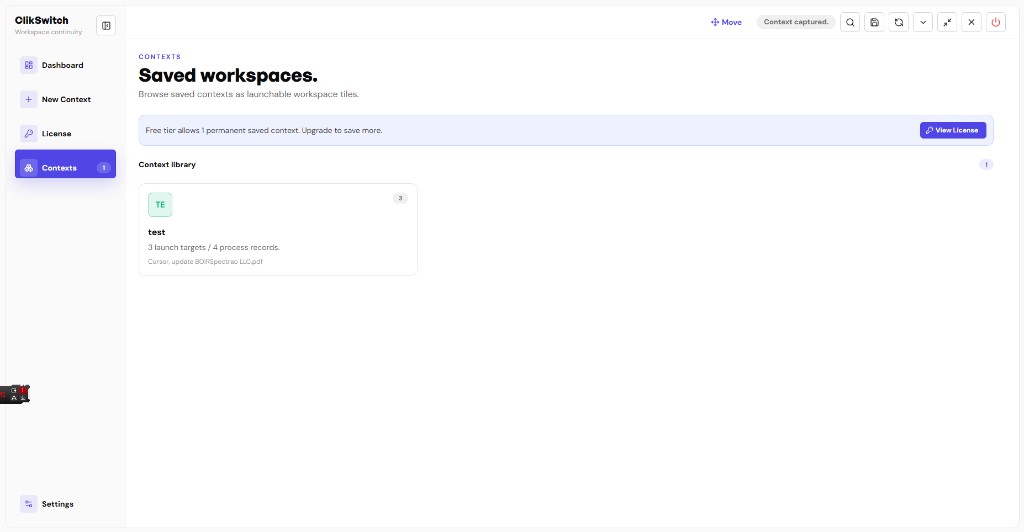
Switch Without Resetting
Move between projects and environments without rebuilding your desk from scratch every time.
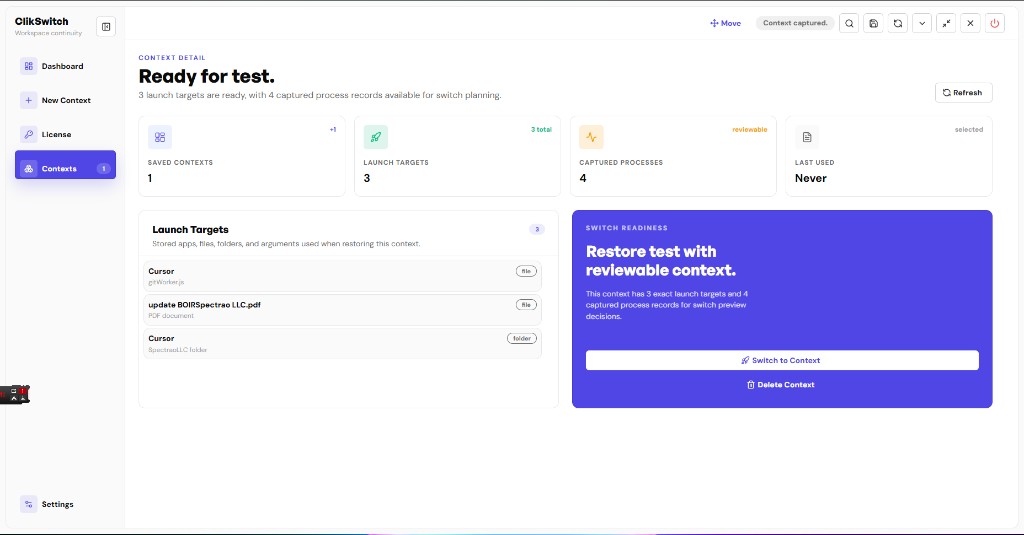
Resume Where You Left Off
Return to a ready workspace with continuity intact, not a blank slate that forces setup work all over again.
Who ClikSwitch Serves
Built for people and teams who live across tools, projects, and work modes.
Individuals
Founders, operators, consultants, and digital workers who lose time rebuilding context across fragmented tools.
Teams
Agencies and product teams that need cleaner handoffs between planning, execution, communication, and reporting modes.
Platform Support
Current integration status for the product roadmap.

Windows
Launching soon!

MacOS
Planned

Linux
Planned
Frequently Asked Questions
What is ClikSwitch?
ClikSwitch is a workspace continuity product designed to keep tools, context, task state, and work-mode setup connected as users move through digital work, so work resumes instead of restarting.
Who is ClikSwitch for?
ClikSwitch is for professionals, teams, founders, agencies, consultants, operators, and digital workers who lose time rebuilding context across multiple tools, projects, and workflows.
What problem does ClikSwitch solve?
ClikSwitch addresses context fragmentation, the hidden cost of losing tools, state, and work-thread continuity every time focus changes. It targets a gap with little direct competition in the market today.
How is ClikSwitch different from app switchers?
App switchers move between windows. ClikSwitch is built for workspace continuity, preserving the full environment, context, and work mode so digital work stays connected instead of resetting.
Which platforms is ClikSwitch targeting?
ClikSwitch platform availability is shown in the platform status cards on this page.
Interested in ClikSwitch?
Spectrao builds products where AI, user behavior, and practical digital utility create real market opportunities. WardrobeIt brings a full fashion concierge, from occasion to virtual try-on to checkout. ClikSwitch brings workspace continuity into fragmented digital work, with a product direction that has almost no direct competition today.